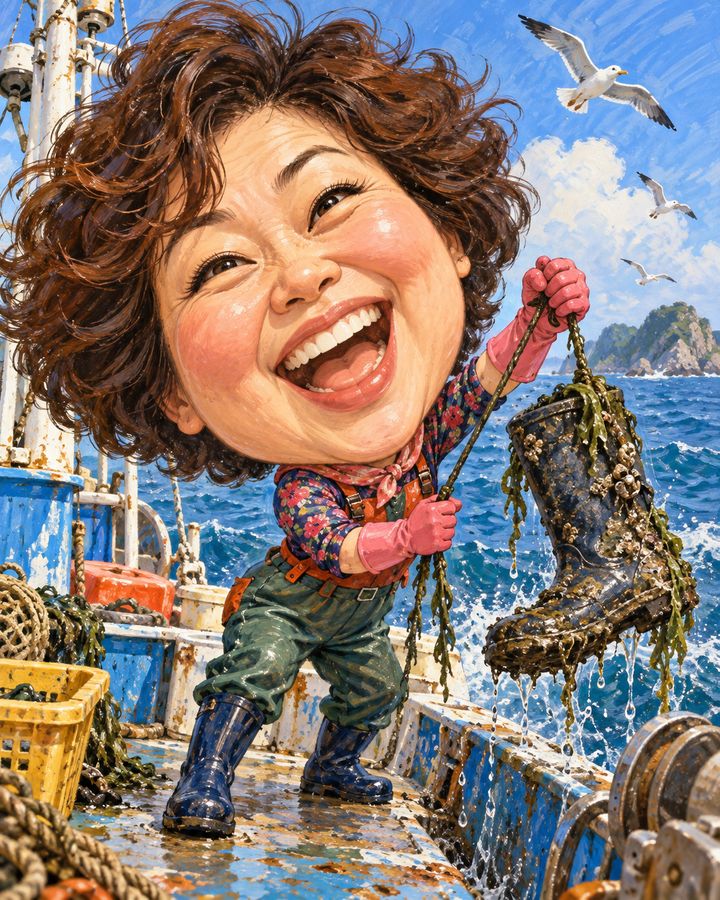



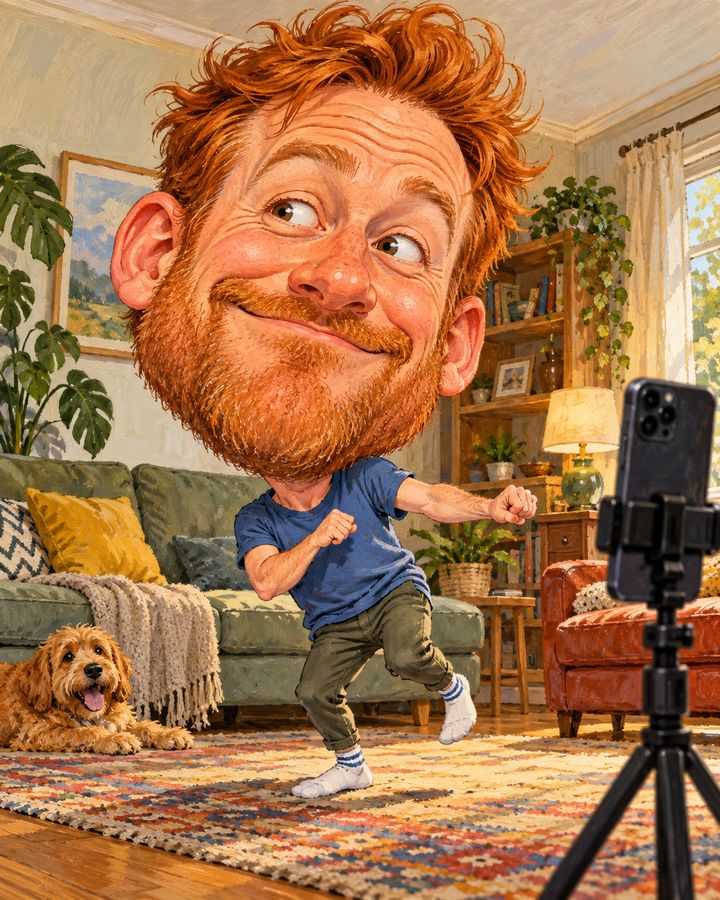
Filming a dance challenge
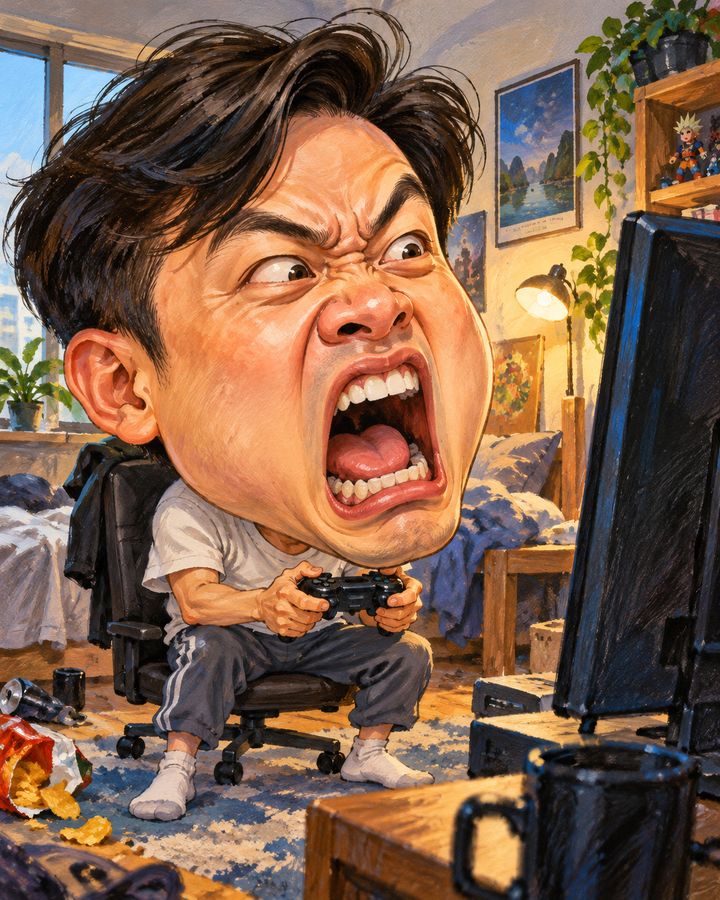
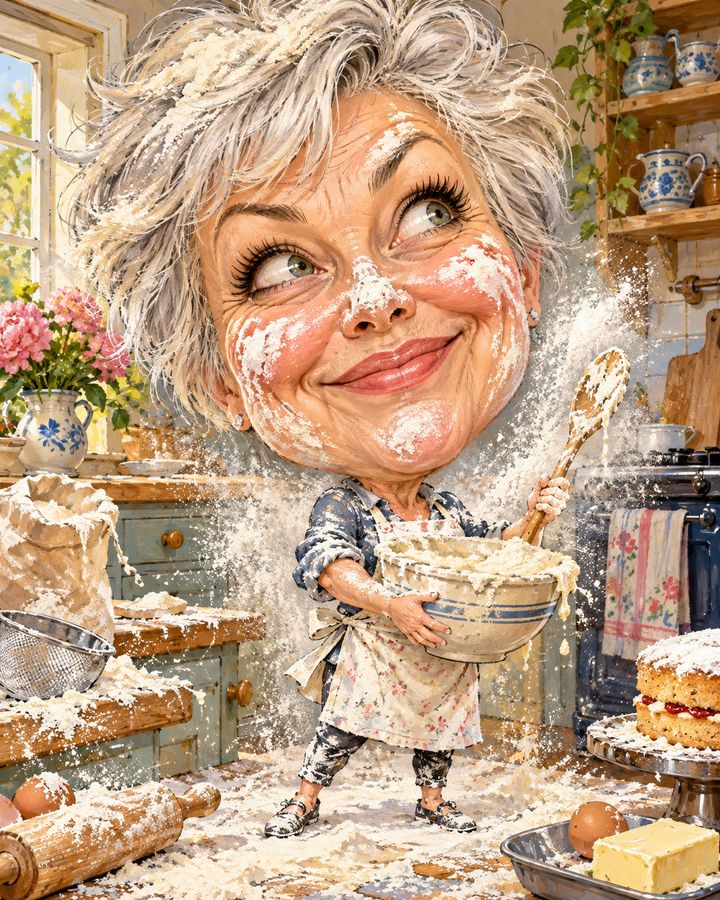
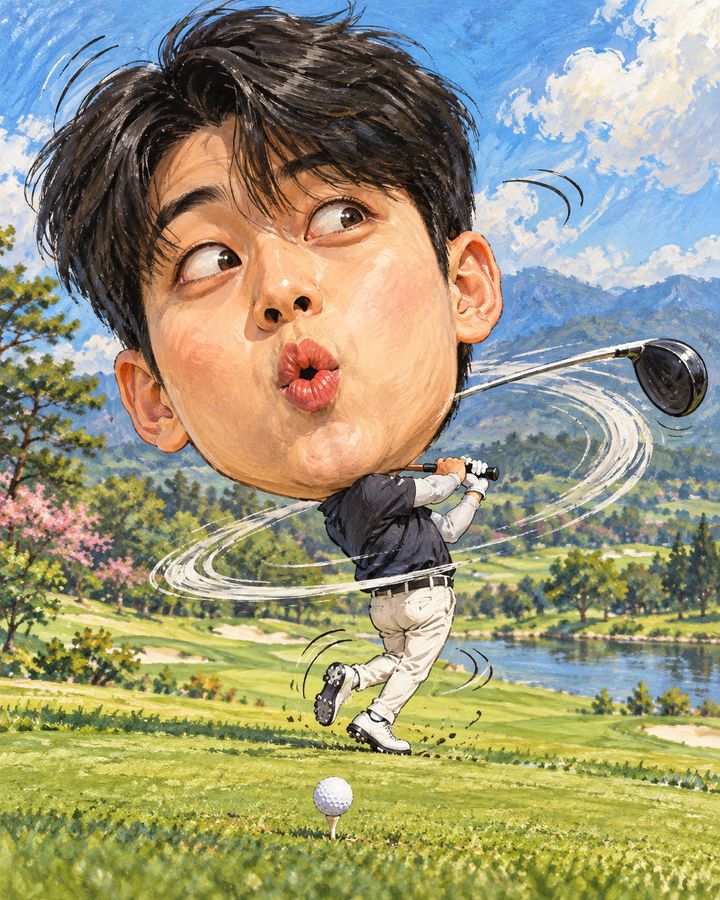
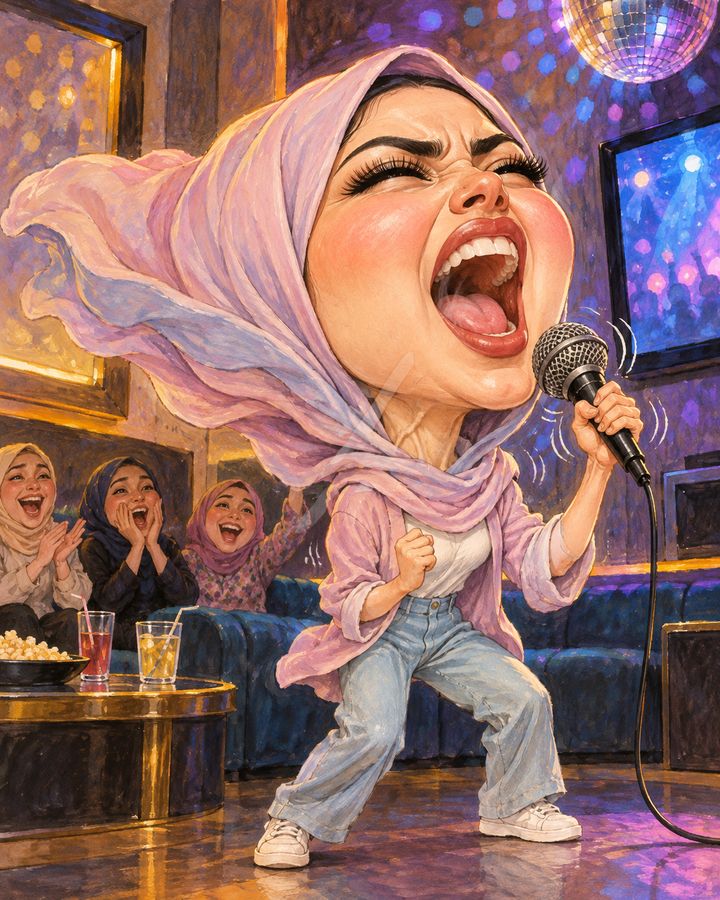
Upload a face photo and you'll star in the same scene — only the face changes to yours.
One face photo + pick a preset
Like it? One tap for a 5-sec video
Add meme captions with 44 fonts and share
* Real AI-made scene examples. Everyone shown is a virtual person.
Filming a dance challenge · Scene overview
Scenes capturing the fun moments of hobbies and play, like hitting high notes at karaoke, golf swings and misses, and roller coasters.
Upload one face photo and the AI redraws the person in the scene with your face, keeping the exaggerated expressions and big-head proportions that make it funny.
Great for
- ✔Memes for your club group chat
- ✔Hobby account profile picture
- ✔Group event video
How to make it
- 1Upload one photo where your face is clearly visible.
- 2Choose this scene and tap Create Caricature.
- 3If you like it, pick a motion to turn it into a 5-second video.
- 4Add captions and stickers in the editor, then save and share.
FAQ
What kind of photo works best?
+
One bright photo with your face close to front-facing is enough. Photos without sunglasses or a mask covering your face work best.
Can I make a video from this scene?
+
Yes. Once your caricature is ready, choose Cinematic Zoom, Dance, Surprise, Hearts, Wind or Laugh Burst to turn it into a 5-second video.
Can I add captions or text?
+
Add captions for free in the editor with 44 fonts, stickers and frames.
How are uploaded photos handled?
+
Photos are used only to create caricatures. The editor, photo booth, style filters and profile picture maker process photos only on this device without sending them to a server.