









Umbrella flipped inside out
Upload a face photo and you'll star in the same scene — only the face changes to yours.
One face photo + pick a preset
Like it? One tap for a 5-sec video
Add meme captions with 44 fonts and share
* Real AI-made scene examples. Everyone shown is a virtual person.
Umbrella flipped inside out · Scene overview
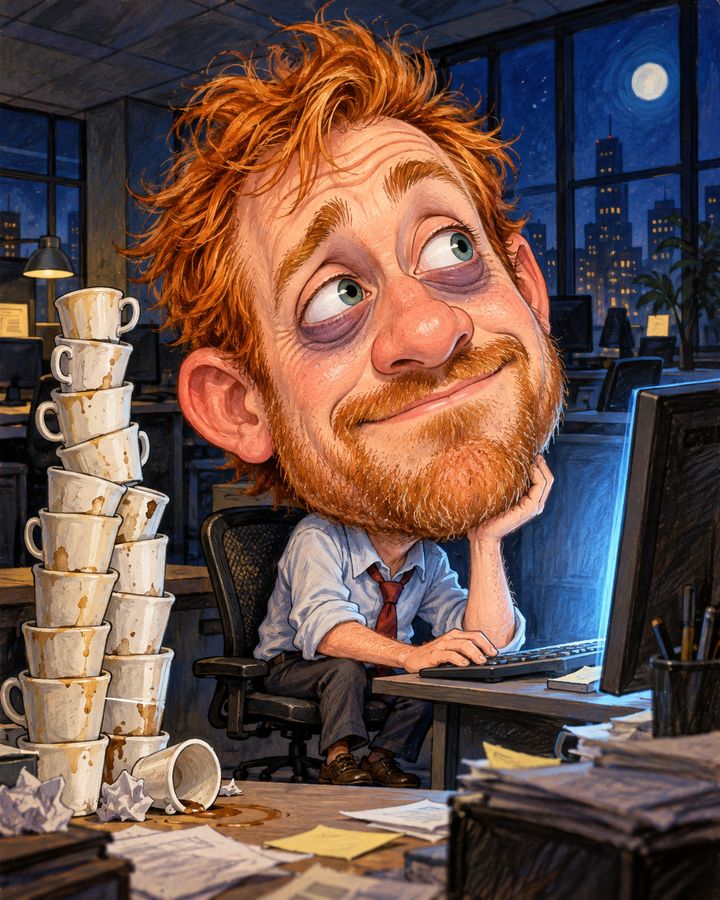
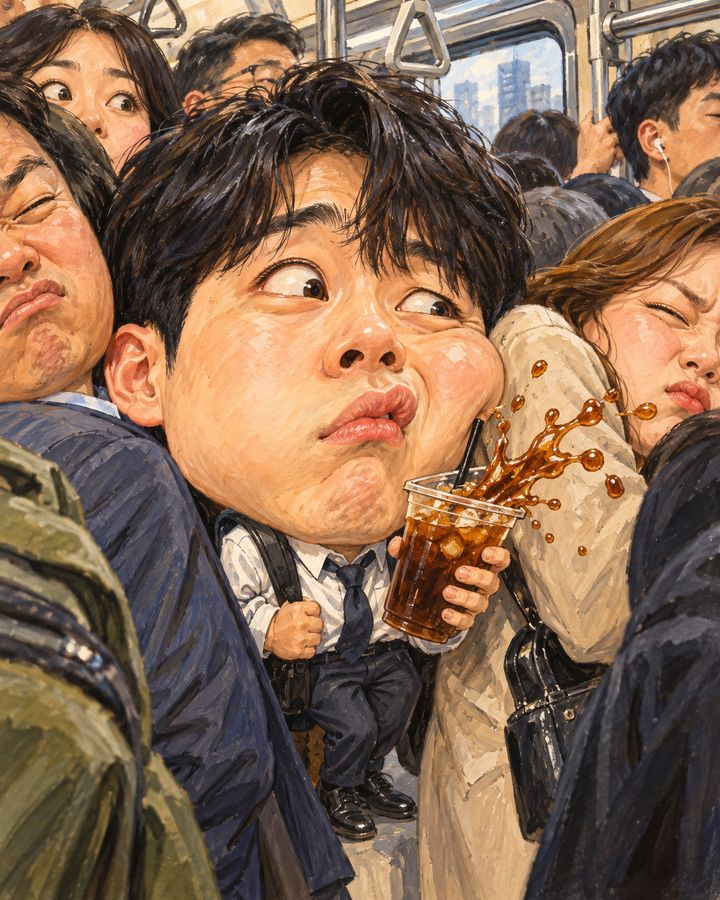
Scenes capturing moments every office worker can relate to, like packed rush-hour trains, overtime and Monday meetings.
Upload one face photo and the AI redraws the person in the scene with your face, keeping the exaggerated expressions and big-head proportions that make it funny.
Great for
- ✔Relatable memes for the team group chat
- ✔Farewell & new job gift
- ✔Company year-end party profile picture
How to make it
- 1Upload one photo where your face is clearly visible.
- 2Choose this scene and tap Create Caricature.
- 3If you like it, pick a motion to turn it into a 5-second video.
- 4Add captions and stickers in the editor, then save and share.
FAQ
What kind of photo works best?
+
One bright photo with your face close to front-facing is enough. Photos without sunglasses or a mask covering your face work best.
Can I make a video from this scene?
+
Yes. Once your caricature is ready, choose Cinematic Zoom, Dance, Surprise, Hearts, Wind or Laugh Burst to turn it into a 5-second video.
Can I add captions or text?
+
Add captions for free in the editor with 44 fonts, stickers and frames.
How are uploaded photos handled?
+
Photos are used only to create caricatures. The editor, photo booth, style filters and profile picture maker process photos only on this device without sending them to a server.